
Sticker Chart Printable
A sticker chart turns a goal into something a child can see: each sticker is a small win, and the row filling up is its own reward. This maker builds a printable chart around your child’s own goal — a weekly routine grid or a count-to-a-reward chart — with their name and favourite sticker theme, and lets you add stickers on screen if you prefer a digital chart.
- Free to use
- No sign-up
- Runs in your browser
Sticker chart maker
Click or tap a square to add or remove a sticker.
Printable Sticker Chart Pack
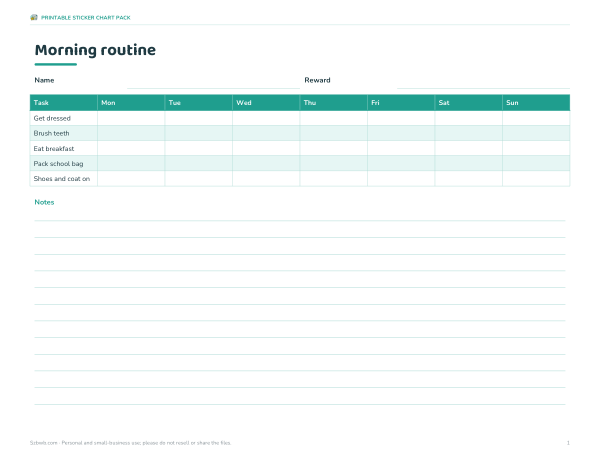
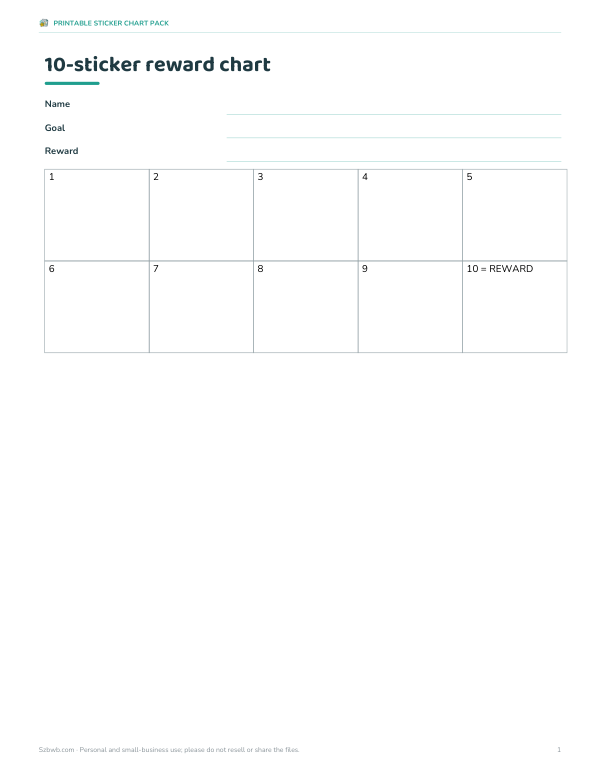
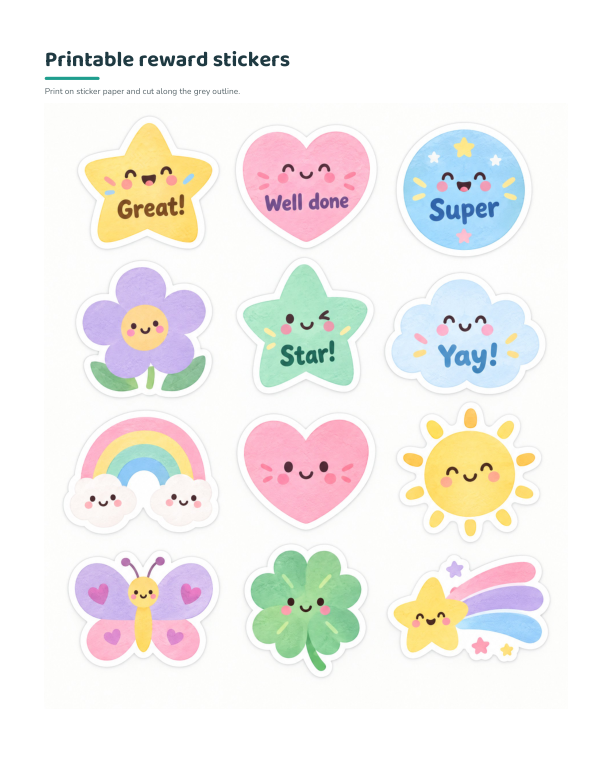
Printable reward charts: weekly routine charts (morning, bedtime, chores), blank weekly grids, count-to-a-reward charts with 10, 20 and 30 circles, a sheet of printable reward stickers and a routine ideas list by age.
- Weekly routine charts (PDF/DOCX)
- Count-to-a-reward charts (PDF)
- Printable stickers (PDF)
- Routine ideas (PDF/DOCX)
Formats: PDF, DOCX. Instant download after payment (link valid 72 hours, up to 5 downloads). AI-assisted: the templates were drafted with AI help and reviewed and laid out before publishing.
$5.00 USD, one-time 4 files · about $1.25 each
- Instant download
- 7-day refund
- Secure checkout by Stripe
7-day money-back guarantee. Full refund within 7 days of purchase, even after you download.
Free sample: Count to Reward Charts (PDF, 64 KB)
Full refund within 7 days — see the refund policy and license.
Free printables
Single sheets you can print right now, no sign-up. The full pack adds every sheet in one download plus the editable files.
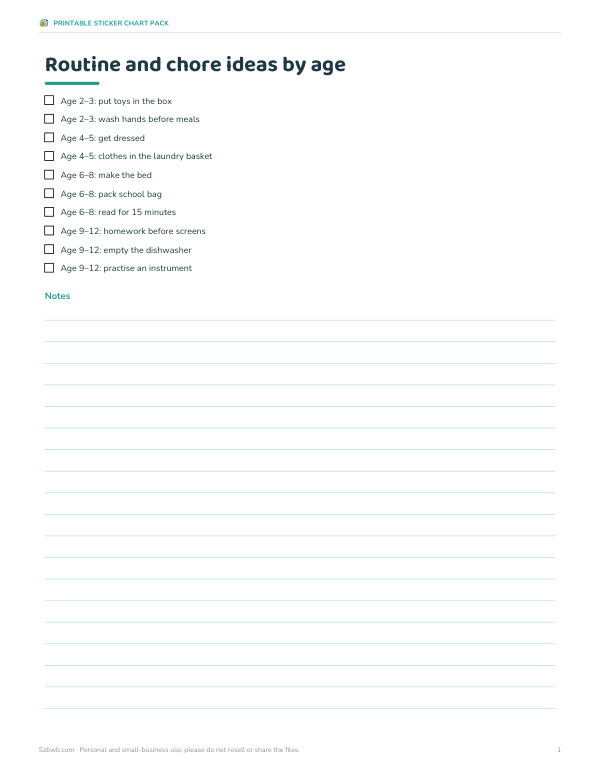 Printable Routine Ideas Chart
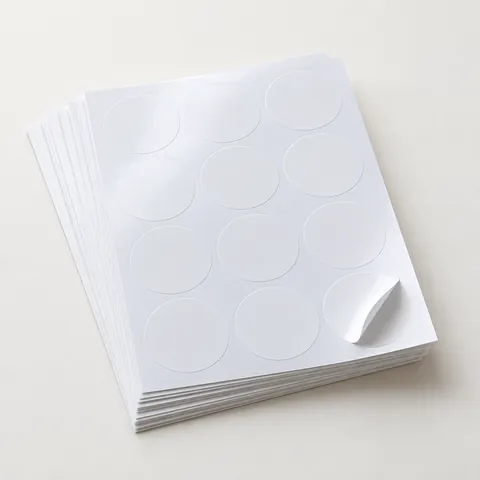 Printable sticker paper (inkjet)
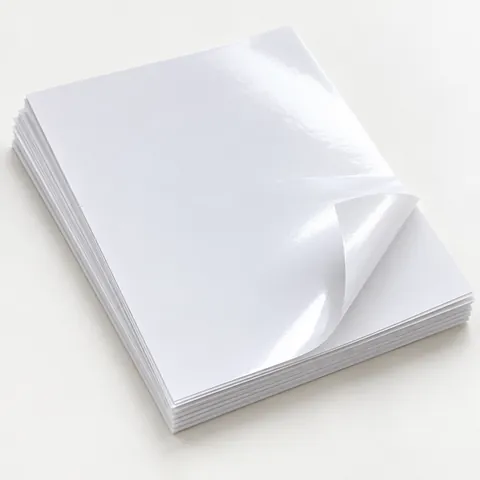 Glossy sticker paper
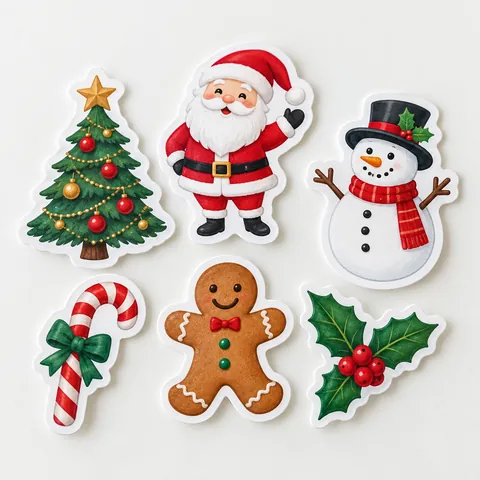 Christmas stickers
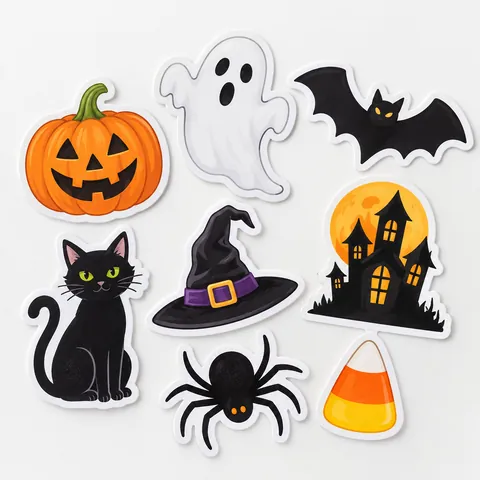 Halloween stickers
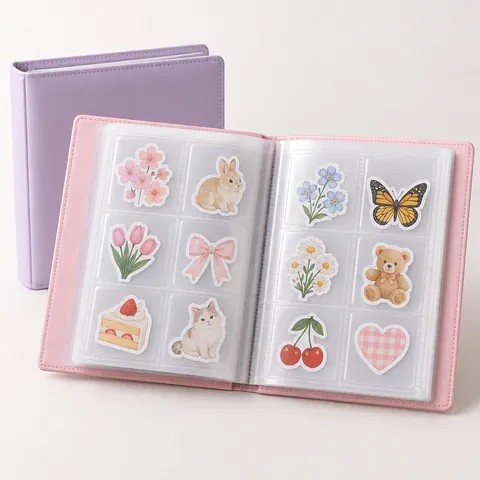 Sticker storage album
 Corner rounder punch
How sticker charts work
A sticker chart rewards a specific behaviour the moment it happens: the child does the task, gets a sticker and can see progress building towards a reward. Many parenting and child-health resources describe this kind of positive reinforcement as more effective than focusing on mistakes, particularly when the sticker comes with specific praise — “You got dressed all by yourself!” rather than just “good job”. The chart works best as a short-term tool for building one habit at a time.
Weekly grid or count-to-a-reward?
| Chart type | Best for | How it works |
|---|---|---|
| Weekly tasks grid | Routines with several steps (morning, bedtime, chores) | A row per task and a column per day; a sticker for each task done |
| Count to a reward | One behaviour (using the potty, reading, trying new food) | A numbered path of 10–30 circles; the last one earns the reward |
Younger children usually need quicker rewards: a count chart with 10 squares is a good start for toddlers and preschoolers, while older children can work towards 20–30 stickers or a full week.
Making a chart that works
- Pick one goal and describe it in positive, specific words (“Stay in bed until the clock turns green”, not “Don’t get up”).
- Choose tasks the child can already do with a little effort, so early success is easy.
- Let the child choose the sticker theme, colour or reward.
- Give the sticker straight away, with praise.
- Agree on the reward in advance and deliver it when promised.
- Never remove stickers as punishment — keep the chart positive.
- Review after a week or two: make it slightly harder, or move to a new goal.
Task ideas by age
| Age | Routine and responsibility ideas |
|---|---|
| 2–3 | Put toys in the box, wash hands, sit on the potty, help put shoes on |
| 4–5 | Get dressed, brush teeth, set napkins on the table, put clothes in the laundry basket |
| 6–8 | Make the bed, pack the school bag, feed a pet, read for 15 minutes |
| 9–12 | Homework before screens, empty the dishwasher, practise an instrument, tidy the room |
Choose tasks that suit your child; these are general examples, not developmental milestones.
Rewards that don’t cost much
- Choose the family film or dinner
- An extra bedtime story
- A trip to the park or library
- Baking together
- A later bedtime on the weekend
- A small toy or book for bigger goals
- A special “one-on-one” outing with a parent
Worked example
A parent wants help with the morning routine for a six-year-old. They choose the weekly grid with four tasks — get dressed, brush teeth, eat breakfast, pack school bag — a purple colour and the star theme, with a trip to the park as the reward for a good week. After three school days the chart shows 10 of the 28 stickers and “best day so far: 4 of 4 tasks”. They print a blank copy for the fridge so the child can place real stickers, and use the on-screen chart when they are away from home.
Charts for siblings and classrooms
With more than one child, give each their own chart with their own goal rather than one shared chart, so nobody is compared with a brother or sister who finds the task easier. Goals can differ in difficulty as long as each is achievable. In classrooms, teachers often use a count chart for an individual target alongside whole-class rewards, such as a jar that fills with marbles when the class works well together. Keep individual charts private where possible, for example inside a folder rather than on a public wall, so children who are struggling are not singled out.
Special situations
- Potty training: a count chart with small, quick rewards, and a sticker for trying as well as for success.
- Trying new foods: one sticker for each new taste, no pressure to finish.
- Sleep: a sticker for staying in bed, given in the morning.
- Medical routines such as eye drops or exercises: a sticker right after each one.
- If behaviour is a serious worry, talk to your child’s doctor, health visitor or teacher as well.
Phasing a chart out
Once a habit is established — often after a few weeks — make the chart gradually harder (more stickers for the same reward), move to a new goal, or replace stickers with praise and occasional surprises. The aim is for the routine to continue without the chart. If a chart isn’t working after a week or two, the goal may be too hard, the reward too far away or the chart too complicated: simplify it.
Printing tips
Charts are sized to fill a landscape US Letter or A4 page. Print on card stock so it survives daily stickers, or slide it into a plastic sleeve and use reusable stickers or a dry-erase marker. Use “Print without stickers” for a fresh blank chart. Everything runs in your browser — the child’s name is not uploaded.
Frequently asked questions
How do I make a sticker chart?
Choose a goal, list the tasks or a number of squares, pick a reward, then print.
What age are sticker charts for?
They are most often used for children from about 2 to 10 years old.
How many stickers before a reward?
Start small — around 10 for young children — and increase as the habit grows.
Should I take stickers away for bad behaviour?
No. Keep the chart positive and handle problem behaviour separately.
Can I use the chart without printing?
Yes — tap squares to add stickers on screen.
Is my child’s name saved?
No. Everything stays in your browser.
Can I use real stickers?
Yes — print a blank chart and add stickers by hand.